Workshop AI OS

Your AI Operating System

Imagine your computer actually knows you. It has access to your information, tools, and memory. It can build whatever you need. This workshop teaches you how to set up your own personal AI OS.

4 hours 5 seats Online · Google Meet €449 VAT incl.
The workflow you'll learn
Your files
Markdown, context, memory
VS Code
VS Code
Your editor
Claude
Claude
The AI agent
Your tools
Email, Notion, Slack, browser

The problem

You've tried AI. You haven't built a system around it

You've tried the chatbots and AI tools, maybe you even use multiple of them daily. But nothing is connected. Your context lives in your head or spread across a dozen different chats and tool silos, and the moment you actually want to build something — you're stuck.

Copy-paste workflow

Nothing is connected. Your context lives in your head or it's spread across chats, notes, and tool silos that don't talk to each other.

Tool silos

Your email doesn't talk to your notes. Your calendar doesn't know your priorities. Each tool is an island.

Still doing it by hand

Moving data between tools, formatting outputs, rebuilding context. The busywork that AI was supposed to eliminate still takes half your day.

The build gap

You have ideas for things AI could do for you. But making it actually happen — connecting tools, building automations — feels like it needs a developer.

A different approach

It's not a tool. It's a way of working

An AI OS is what happens when you stop using AI as a chatbot and start using it as an extension of yourself. One workspace that sees your tools, remembers your context, and builds what you need.

In this workshop I teach through Claude Code, VS Code, and a set of connectors (email, files, calendar, browser, and more). The tools are interchangeable — the way of working stays with you.

What it can do

An AI that sees, remembers, and acts

Not a chat window you copy-paste from. An AI OS that works with you across everything you do.

It sees your tools

Connected to your email, calendar, notes, browser, and files. It reads what you read — no more copy-pasting context into a chat window.

It remembers everything

Your business, your voice, your priorities, your past decisions. Every session builds on the last. It gets better the more you use it.

It builds what you need

A landing page, a dashboard, an email sequence, a research brief. Custom tools built for your specific situation.

It works while you sleep

Morning briefings, automated research, recurring reports. Set up a routine once and it runs on schedule without you opening your laptop.

The workshop

Wire up your AI workspace in four hours

You see the end state first: a working AI workspace connected to real tools, running real automations. Then I walk you through how I built it, step by step. You leave knowing exactly what to build and how to build it.

1
18:00 – 18:30

Key concepts

Get you up to speed with the concepts that matter for doing meaningful work with AI.

  • What an AI agent actually is (and isn't)
  • Context, memory, and why every session can build on the last
  • Skills, MCPs, and how AI talks to your tools
  • Tokens and cost — what you're actually paying for
2
18:30 – 19:30

The end state — inside my AI OS

I open up my own AI OS and show you what a working system looks like in practice. This is the destination.

  • Walk through a real CLAUDE.md, memory system, and project structure
  • See how Gmail, Notion, Slack, and Chrome are connected
  • Watch Claude answer real questions by pulling from all connected tools
  • Skills, routines, and automations running in the background
19:30 – 19:45

Break

3
19:45 – 20:45

Step by step — building it from scratch

Now that you've seen the end state, I rebuild it from zero. Every step explained, every decision unpacked.

  • Create a new project and get Claude Code set up
  • Connect all the tools we need: email, notes, calendar
  • Build a morning briefing skill from scratch
  • Build a real product: a landing page from a single prompt
  • Set up a routine that runs on a schedule
4
20:45 – 21:30

Pitfalls, patterns, and Q&A

The things you only learn by doing it for hundreds of hours. What works, what doesn't, and what to avoid.

  • Common mistakes that waste tokens and time
  • How to steer AI output instead of starting over
  • When to trust the output and when to push back
  • Open Q&A — bring your own use cases and questions
5
21:30 – 22:00

Set up your own workspace

We set up the stack on your machine and get your first project running.

  • Install Claude Code, VS Code, and connect your first MCP
  • Write your own CLAUDE.md with your business context
  • You leave with a working workspace, not just notes

The transformation

From curious to capable

You walk in with an understanding of AI and questions about what's possible. You walk out with a working AI OS and the confidence to extend it.

Working AI workspace
Connected tools
Your own automations
Confidence to extend it

Who this is for

Built for people who build, not people who code

You've tried ChatGPT, Claude, or Perplexity and see the potential — but it still feels like a chat window
You don't write code and don't want to — but you do want AI that actually does things, not just talks
You run a freelance practice, small business, or consultancy and wear multiple hats
You sense AI could replace half the SaaS tools you're paying for — you just don't know how to get there
You're comfortable with a computer but "terminal" and "API" still sound like someone else's job

Probably not for you if: you're not curious about what AI can do for you — this workshop is for people who want to discover and build.

Before you sign up

Some honest answers

Won't these tools be obsolete in a year?

Probably. That's why every part of the stack is interchangeable. Swap the model, the editor, or the tools without losing your setup. You're not learning a tool — you're learning a way of working that stays with you.

Do I need to be a developer?

No! But you need to be curious. You'll use a terminal and an editor, and you shouldn't be afraid of words like API or MCP. You're not writing code. You're writing instructions in plain language.

What does it cost?

The workshop is €449. To get meaningful work done after, you'll need a Claude Max subscription at €80/month. That sounds like a lot until you realize it's the single most capable piece of software ever made for personal use.

How long until it pays off?

You're learning a whole new way of working, so the first weeks are more intensive. By week three something clicks. After a month, you can't imagine organizing your work without it.

Who can profit from this?

Anyone who uses a lot of digital tools daily and is curious enough to wire them together. Anyone who wants to build things but is held back by technical constraints. Anyone who spends hours on repetitive processes that should run themselves. Your role doesn't matter. Your willingness to rethink how you work does.

Timeline

What to expect

A bit of prep before, four hours live together on the day, and everything stays with you afterwards.

Before

About a week before, I email you the Google Meet link and a setup guide so you can install the tools beforehand. This is not required. We start from scratch in the workshop.

During

I share my screen and build live for four hours on Google Meet. First you see the end state, then I rebuild it step by step. You leave knowing exactly what to build and how to build it.

After

You keep the recording, the slides, and all the prompts and reference files. Plus ongoing access to ask me questions.

Everything in one place

Practical info

Schedule
Dates coming soon
Duration
4 hours per session
Format
Online · Google Meet
Seats
5 (boutique)
Price
€449 per seat · VAT incl.
Language
English

Your trainer

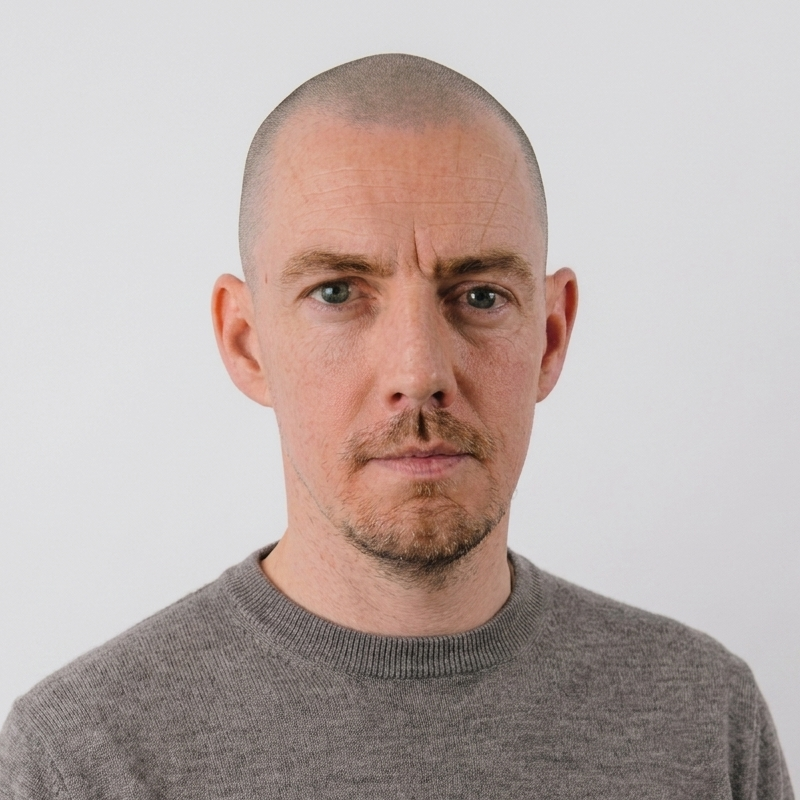
Jelle Desramaults

Jelle Desramaults

I spend a lot of time in this stack — running my business, building side projects, automating daily tasks I used to do by hand. What I show in the workshop are real workflows, not staged examples.

By day I'm a UX designer at BNP Paribas Fortis (previously Itsme, Belfius, and Team Leader). By night I build tools with AI and teach others how to do the same.

Workshop business Design consulting Investment research Content pipeline Scraping portfolio Automated job search platform
The shortcut

Full access to a working AI OS

I give you direct access to my own AI OS and teach you everything I know about the stack. You see every component, every connection, every moving part. Then I show you step by step how I built it, so you can do the same.

Behind the scenes

How Claude Built This Website

I opened a terminal, typed "claude", and started describing what I wanted. A workshop page. A way for people to book. Confirmation emails.

Claude figured out which tools to use, connected them, and got it all running. I'd check the result in my browser, say "make the heading bigger" or "add a second date", and it just... did it.

Two evenings later the site was live and taking bookings and payments.

Start here
My computer
Claude opens the site here to check how it looks. If something's off, it spots the problem and fixes it.
Chrome
Browser
Where all the project files live. Think of it like a workshop — Claude works in here, I peek in sometimes.
VS Code
Code editor
My AI co-builder. I tell it what I want in plain language, it figures out how to make it happen.
Claude
Claude
Every change gets saved here. Like a timeline of the whole project — and saving here triggers the site to update.
GitHub
Cloud backup
Puts the site on the internet and keeps it fast. Also runs the behind-the-scenes logic when someone books.
Cloudflare
Server
Sends all the emails automatically. Booking confirmations, prep emails before the workshop — I don't lift a finger.
Resend
Email
Handles the money. When someone clicks "Reserve a seat", this processes the payment securely.
Stripe
Payments
The end result — jelledesramaults.be. Live, taking bookings, fully connected to everything on this diagram.
Website
Website
My control room. Shows who signed up, how many seats are left. The site reads from this too.
Notion
Dashboard
uploadsClaude saves the work and sends it to the cloud. I just watch it happen.
checks seatsThe site checks how many spots are still open before showing them to visitors.
goes liveNew changes go online within seconds. No buttons to click, no steps to follow.
serves siteDelivers the site to visitors fast, no matter where they are.
sends emailAfter a booking, a confirmation goes out. Before the workshop, a prep email follows. All on autopilot.
takes paymentVisitor clicks the button, payment gets processed. Money lands in my account.
all togetherEverything feeds into one website — that's what visitors actually see.
updates seatsAfter a payment goes through, available seats update on their own. No spreadsheet needed.

But what can you build with this?

Anything you want

These are real things I built with Claude. Not side projects that collect dust — things that run my business every day.

Website

This workshop site

The site you're on right now. Bookings, payments, confirmation emails, seat tracking — all wired up in two evenings.

Business

My entire DJ operation

Website, booking system, music library tools, set preparation. My wedding DJ business runs almost entirely on Claude.

Automation

Job application scripts

Scrapers that find relevant openings, format applications, and track where things stand. Runs on autopilot.

Content

A complete investing guide

Multi-chapter website with interactive charts and infographics. Built the whole thing without touching design software.

Tools

Chrome extensions

Custom browser extensions that solve specific problems I had. From idea to published in the Chrome Web Store in a day.

Dashboard

Investment portfolio tracker

Live dashboard pulling data from multiple sources. Spent four years thinking about building it, then described it in one conversation.

Build your AI OS

Ready to wire up your AI workspace in four hours?

Dates for the first sessions are coming soon. Join the waitlist and I'll email you when registration opens.

€449 VAT incl.

4 hours · 5 seats · Online · Google Meet