Every 2 weeks · May–Jun 2026 4-hour session Online · Zoom

Designing with Claude

A four-hour online workshop for beginners. We start from scratch and work through the basic concepts that make up the new AI design stack. You leave with a clear understanding of how to use the new tools to do meaningful design work.

  • How Claude works: agents, context, memory, skills, MCPs.
  • How Claude and Figma work together. Watch a real design get built, live.
  • Build a full design system in Figma and a working prototype in HTML.
€349 per seat · VAT incl. 5 seats · boutique
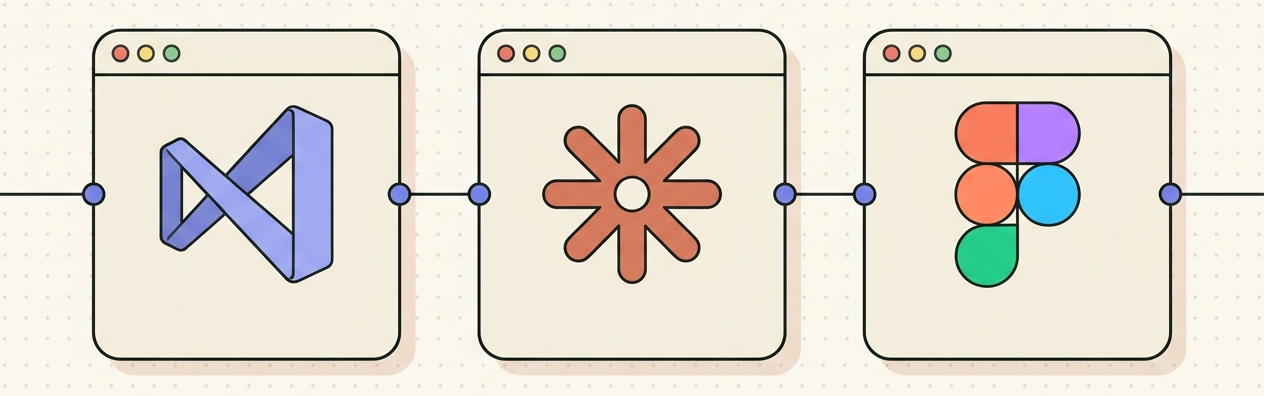
Flat illustration of three connected application windows representing Visual Studio, the Claude terminal, and Figma
What you’ll learn

A new way of working

There’s a lot of noise right now. A lot of shiny new AI tools. After 200+ hours of experimenting, these are the tools I see that really work for designing with AI today. Claude in the middle, Visual Studio for your files, Figma for the design (connected through the Figma MCP), and your browser for prototyping and testing.

Underneath it all sits GitHub — the Dropbox for AI.

The workshop

Curriculum

You get a four-hour crash course on the new AI design stack. We start with the basics, and I explain all the tools and technical insights. This leaves you with a deeper understanding of how to do meaningful design work with AI today.

Part 1 18:00 – 19:30

The mental model & first build

We scan the AI design landscape, learn the vocabulary, then open a terminal, wire Claude into Figma through the Figma MCP, and use it to make something real.

  • a working Claude Code setup, wired to Figma and your browser
  • a plain-English mental model of agents, memory, skills, and MCPs
  • a first Figma layout generated from a brief, side by side with Claude
  • 18:00 The AI design landscape A quick scan of where we are. Claude, Cursor, ChatGPT, and why agent is the word that changes design work.
  • 18:15 Agents, memory, skills, MCPs in plain English The four pieces of vocabulary every designer needs to stop feeling lost in AI conversations.
  • 18:30 Set up Claude Code and the Figma MCP We install together, connect the Figma MCP, point Claude at your Figma file, and run the first prompt on your machine.
  • 19:00 Generate a layout from a brief, in Figma You describe what you want in plain English. Claude builds it in Figma. You refine, together.
  • 19:30 Break
Part 2 19:45 – 22:00

Design system and prototyping

We turn what you built into a real Figma design system, generate a working HTML prototype from it, and close with an open Q&A.

  • a Figma design system with tokens and components, built from your own layout
  • a working HTML prototype generated from your design system, opened in the browser
  • a personal Q&A, to take the real work on your plate further
  • 19:45 From a layout to design tokens Extract colors, typography, and spacing into a Figma variable system with Claude. No manual styling.
  • 20:15 From a layout to components Wrap, name, and document components together. Claude keeps your Figma file consistent as the system grows.
  • 20:45 From a design to a working prototype Generate HTML and CSS that respects your tokens. Open it in the browser, iterate live, watch it come together.
  • 21:30 Open Q&A Bring your real-work questions. We troubleshoot, refine, and look at what you’d take into your job tomorrow.
What you need

No coding skills required

You talk to Claude in plain English. It creates your design and writes the code. You review. You adjust. Show up with curiosity, a laptop (Mac or Windows), and an internet connection.

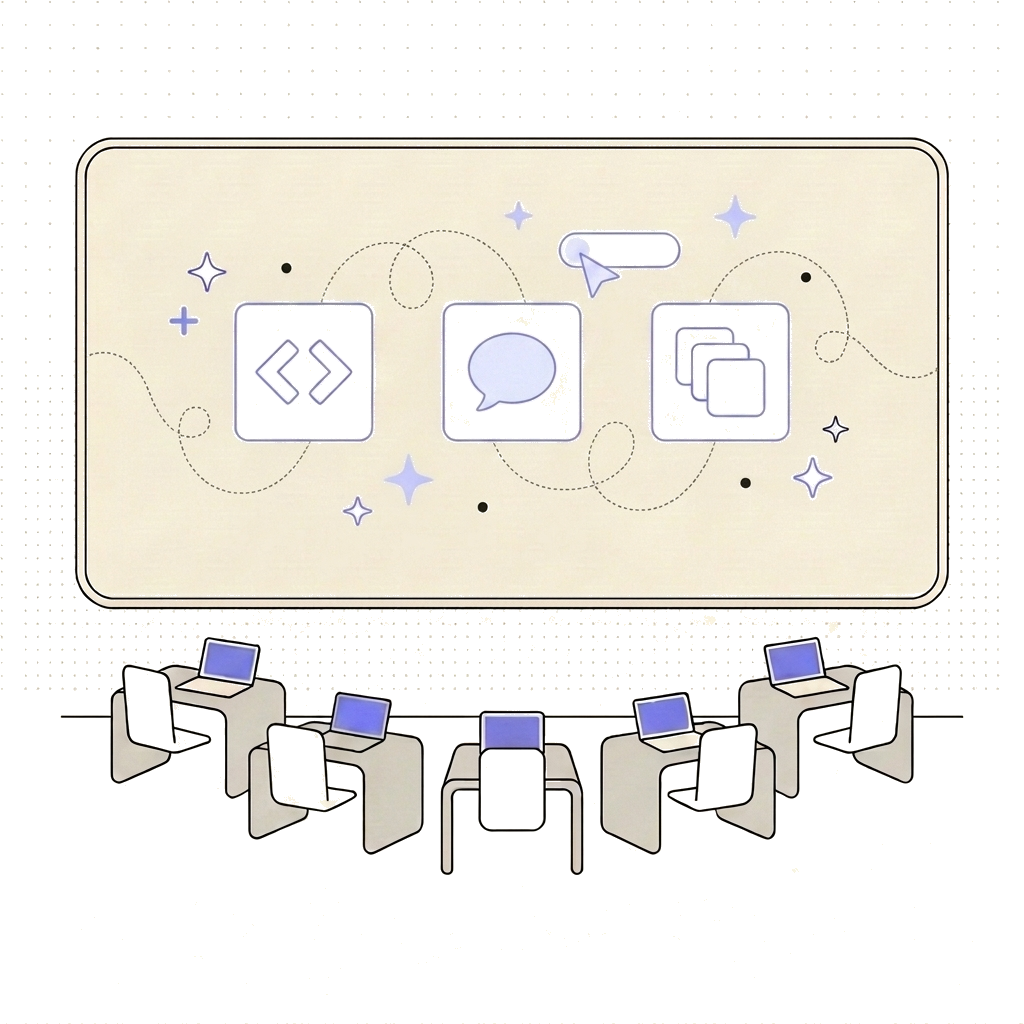
Designer describing a design to Claude in plain English while Claude writes the code
Required
A laptop (Mac or Windows) and an internet connection. Any modern machine works. That’s the whole list.
Helpful but optional
Claude Pro, Visual Studio Code, and Figma installed and ready. I share a full setup guide at the end of the workshop, so installing any of this beforehand is up to you, not a prerequisite.
Not needed
Coding experience, a design background, prior AI tool experience, or any specific setup. I’ll meet you where you are.
Meet the trainer

Jelle Desramaults

Jelle Desramaults

Hi, I’m Jelle, a senior UX/UI designer. I built design systems at Belfius and BNP Paribas Fortis.

Over the last six months I’ve spent 200+ hours on this new AI design stack. Watching, testing, breaking things, rebuilding. Now I want to share what I learned with you through this workshop.

Think of it as your shortcut to becoming an AI-enabled designer.

What you get

What you walk away with

Timeline

How it works

Here’s how the workshop works from start to finish. A bit of prep before, four hours live together on the day, and everything stays with you afterwards.

Before

About a week before, I email you the Zoom link. If you want to install the tools beforehand, I’ll send you a setup guide. This is not required. We start from scratch in the workshop.

During

I share my screen and build live for four hours on Zoom. We cover how the mental model works with the stack. We start from scratch, work through the basics, and work up to a complete design system and prototype.

After

You keep the recording, the slides, the reference project, and the prompts. Plus access to my written guide.

Everything in one place

Practical info

Schedule
Every 2 weeks · May–Jun
Duration
4 hours per session
Format
Online · Zoom
Seats
5 (boutique)
Price
€349 per seat · VAT incl.
Language
English
FAQ

Frequently asked

Is this a multi-week course?

No. It’s a one-off 4-hour workshop. You pay once, for one date. I run a new session every two weeks or so, so you can pick a date that fits.

Won’t these tools be outdated in a year?

The specific tools will keep evolving. That’s why the workshop focuses on the mental model, not the tools. You are learning a pattern: an IDE for your files, an LLM to read and write them, a graphics tool for design, and a browser to test. You also learn the concepts inside it: agents, context, memory, skills, MCP. This means you can easily switch from Visual Studio to Cursor or Antigravity, or from Claude to Gemini, or whatever comes next.

What about Figma Make or Claude Design?

Both are valid tools, but they sit inside the workflow. They are not a full environment on their own. Once you understand the stack we cover in the workshop, you plug Figma Make, Claude Design, or any other tool into it when it fits the job.

I’m not a designer. Can I still join?

Yes. The technical stack and the mental model we build are not specific to design. They apply to development, project management, and business analysis too.

Should I install anything beforehand?

No, this is not required. We start from scratch in the workshop. If you do want to install beforehand, you need Claude Pro, Visual Studio Code (free), and a Figma Pro account. That gives you all the tools and tokens you need.

What do I get after the workshop?

All participants get:

  • the session recording
  • the reference project
  • the prompts we used
  • the presentation slides

Everything in one place, plus access to my full written guide.

What if none of the dates work?

You can already pick from four upcoming dates on this page, across May and June. If none fit, join the waitlist and I’ll message you the moment a new date is announced. I also do 1-on-1 follow-up sessions if you want something more focused.

Is the workshop in English?

Yes. Slides, demos, and conversation all in English.

Can I cancel or reschedule?

Full refund up to 7 days before. After that, your seat is transferable, or we move you to the next date.
Reserve your seat

Same workshop, running every two weeks or so. Five seats per session, so it stays close to one-on-one. Pick the date that fits.

€349 per seat · VAT incl. · same price for every date

Includes the recording, slides, reference project, and prompts after the workshop.

None of these dates work?

Join the waitlist. I’ll send you one short email the moment a new date is announced, so you can grab a seat before I post it publicly. No sequences, no spam.