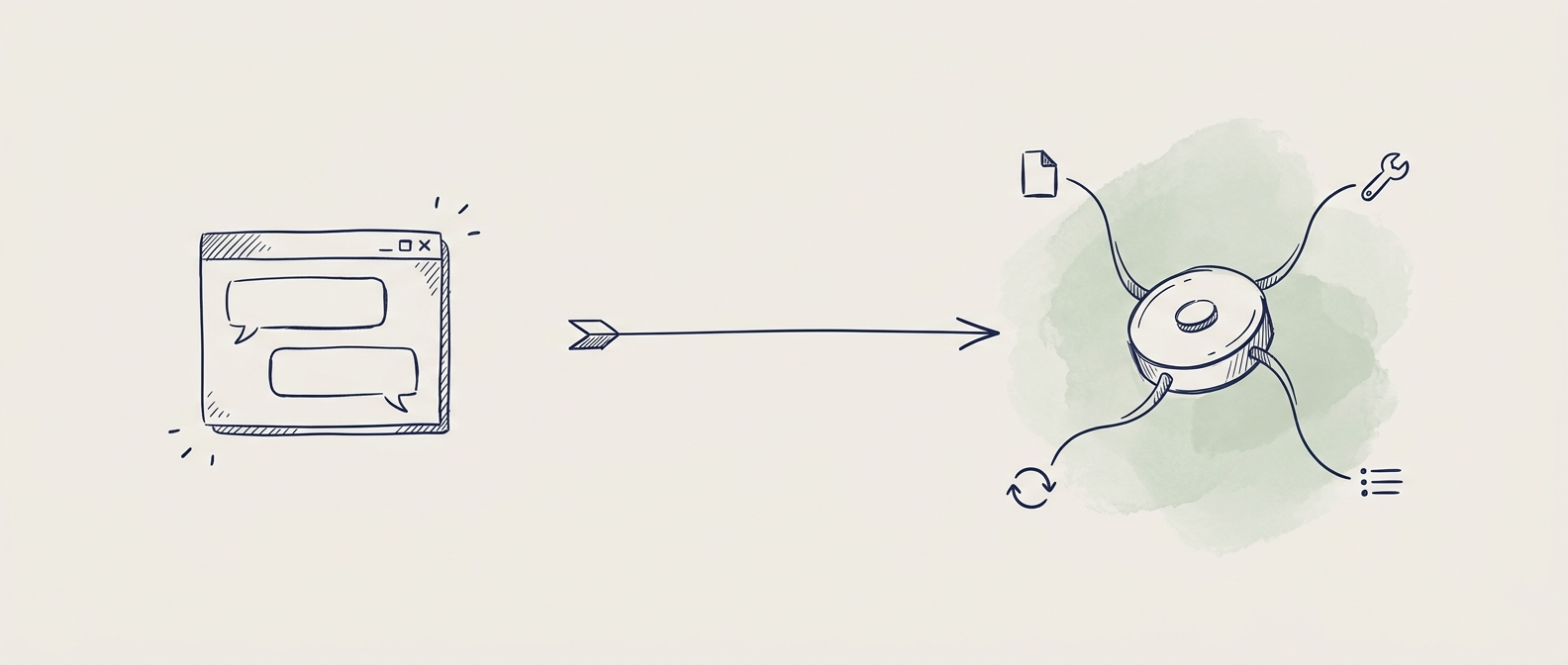
For most designers, AI has meant a chat window. You talked to ChatGPT, Claude, or Gemini. They were smart. You asked a question, you got an answer back.
But they were stuck in that chat window. They could not open your files. They could not design anything. They could not run code. They could only write back to you.
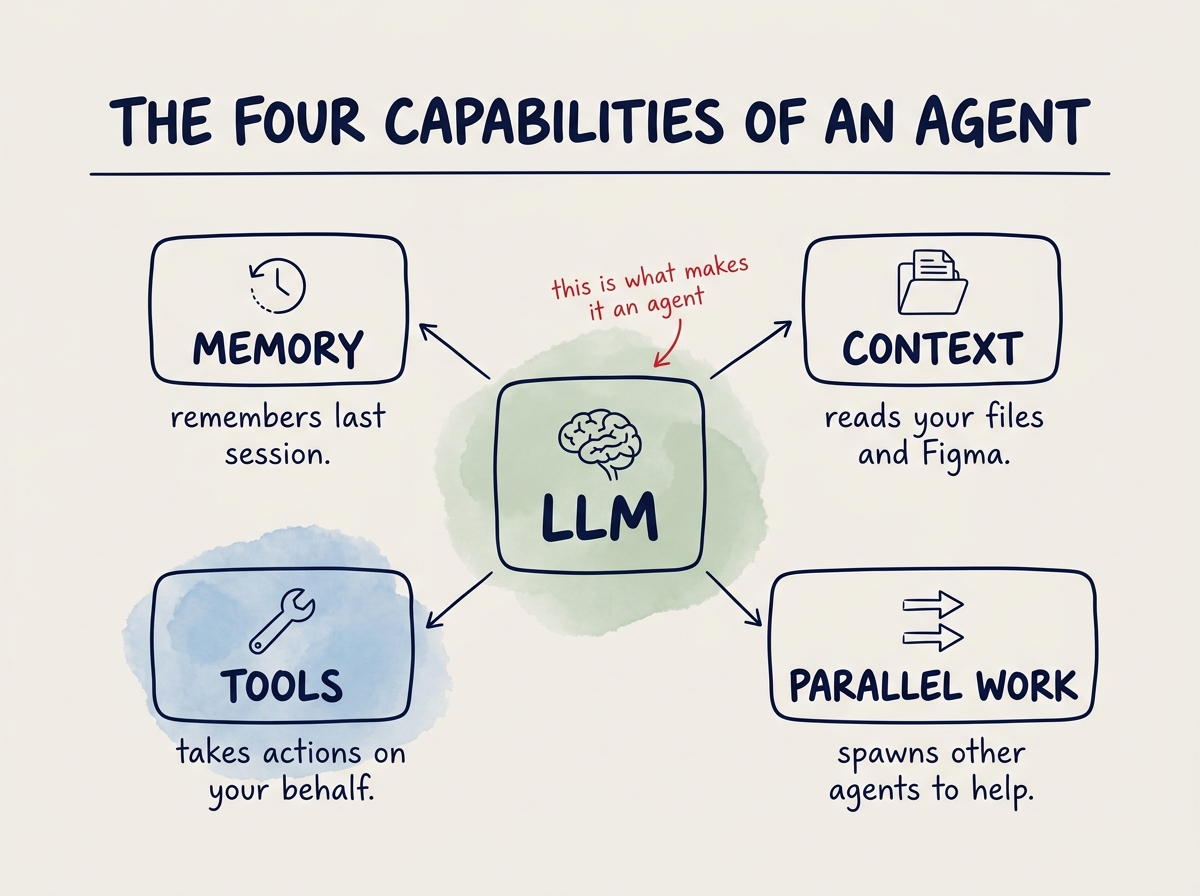
That has changed. We are now in the agentic AI era. The same LLMs are being used as agents. An agent is an LLM with four things bolted on.
The four capabilities of an agent
- Memory. It remembers what you told it last session.
- Context. It can read your files, your Figma, your website.
- Tools. It can take actions. Browse the web, manipulate Figma, push code to GitHub, run a Python script, generate an image, fix its own errors.
- Parallel work. One agent can spawn another agent to handle a sub-task at the same time.
That is the difference between a chat LLM and an agent. A chat LLM talks. An agent works.
What tools work today
Now that we have arrived in the agentic AI era, what tools should designers actually use to do meaningful, scalable design work?
The answer is not a single tool like Lovable, Figma Make, or Claude Design. It is a set of tools working together.
- An IDE. The workspace where you actually do the work.
- An agent. The brain.
- A graphic design tool. Where the visual work still lives.
- The browser. Where you prototype and see the result run.
In this guide we use Visual Studio Code as the IDE, Claude as the agent, Figma as the design tool, and the default browser for prototyping and testing.